 How-to
How to Choose Marine Chartplotters for Yachts
Last Updated: November 5, 2026
Quick Summary
To choose marine chartplotters for yachts, start with your helm's physical limits: match screen size to vessel type, confirm sunlight-readable brightness, and mock up the mounting position before cutting. Then verify chart coverage and update costs for your actual cruising grounds, and price the full system rather than the head unit alone.
- Screen size should follow vessel type: 7 inch for boats under 20 ft, 10-12 inch for center consoles.
- Confirm whether detailed charts for your region are included or sold separately, and price that separately.
- A multifunction display only earns its price when chartplotter, sonar, radar and instrument integration actually works.
- Networking and installation together often exceed the display price, so get the labor quote first.
- Design for redundancy with an independent position source, independent power, and offline backup charts.
Table of Contents
- Start With Your Helm: Screen Size, Brightness, and Mounting
- Chart Coverage, Updates, and Regional Compatibility
- Multifunction Displays, Sonar, and Radar Integration
- Picking the Best Marine GPS Chartplotter for Your Boat Type
- Garmin Chartplotter Comparison Chart: Which Model Fits Your Helm
- Simrad Chartplotter Radar Combo and Raymarine Chartplotter Options
- Redundancy, Total Cost of Ownership, and Upgrade Planning
- Planning Your Electronics Package With Primo Yachts
- Frequently Asked Questions
Start With Your Helm: Screen Size, Brightness, and Mounting
The global marine chartplotter market is projected to reach USD 14.49 billion by 2034, growing at a 6.19% compound annual rate, according to Fortune Business Insights' marine chartplotter market forecast. That growth tells you one thing: the choices are multiplying, and so is the cost of getting them wrong.
Screen size should follow vessel type, not ego. A 12-inch unit that blocks your throttle or compass is worse than a 9-inch unit you can actually see.
Brightness matters as much as inches. Look for high-nitrogen display bonding and anti-glare coatings rated for direct sunlight, then check the viewing angle from where you actually stand. If you're working through the full electronics package, our guide on how to evaluate yacht navigation electronics walks through a structured five-step method.
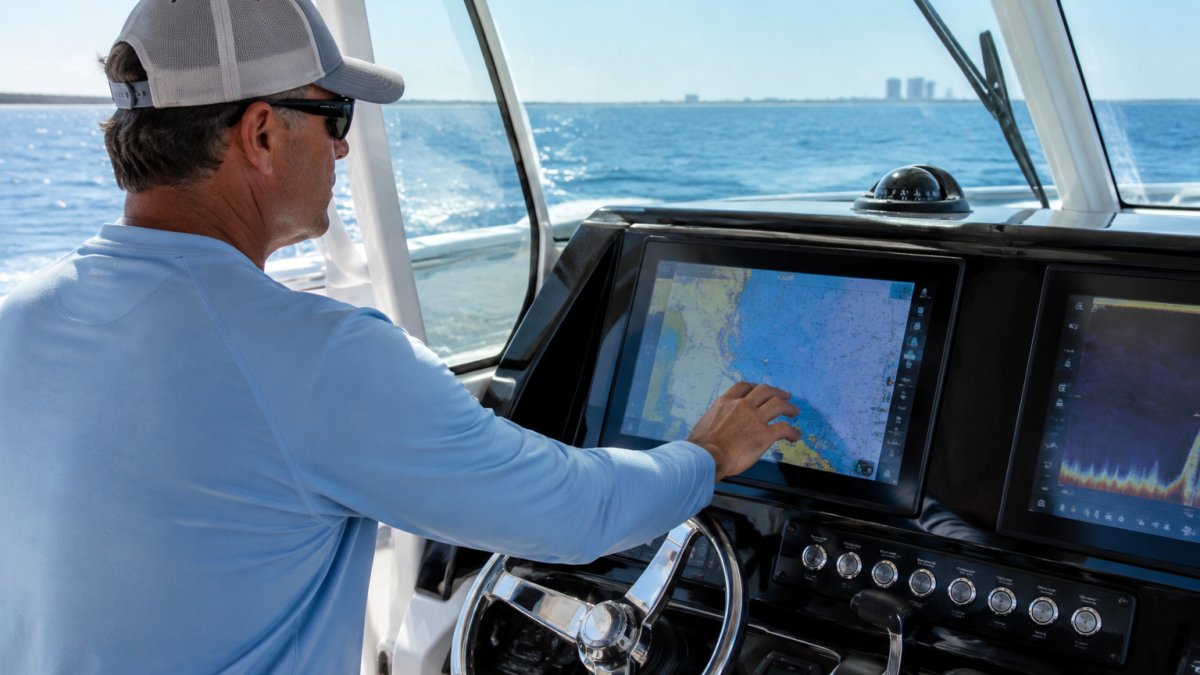
Watch out: mounting a display where it blocks sightlines forward is a safety problem, not a style preference. Mock up the position with cardboard before you cut anything.
Chart Coverage, Updates, and Regional Compatibility
Electronic charts are the data layer that makes a chartplotter useful, and coverage gaps are the most common reason a unit disappoints offshore. The mistake is treating charts as an accessory to the display. On a yacht, the chart is the navigation product; the screen is just the window onto it.
Start by identifying which chart format your cruising area depends on. In U.S. waters, the baseline is the NOAA electronic navigational chart (NOAA ENC). Two displays can show the same underlying NOAA data but behave very differently at the helm.
Verify coverage before you buy, not after. The practical workflow:
- Open the manufacturer's chart coverage viewer or the chart provider's catalog and zoom to your actual cruising grounds, your home inlet, the channels you run, and your intended destinations.
- Check the survey date and source for those specific areas. Popular cruising corridors are usually well surveyed; remote anchorages and shifting shoals may carry older data.
- Confirm whether detailed charts for your region are included with the unit or sold separately, and price that separately.
- Confirm the update method: over Wi-Fi, through a memory card, or via a companion app, and whether updates are free or subscription-based.
Watch out: a display running stale charts near shifting shoals is a liability, so confirm the update cadence and cost in writing before you commit.
Regional compatibility also means matching chart detail to how you use the boat. A yacht that transits offshore needs routing and offshore detail; one that fishes structure wants bathymetric and sonar-chart layers; one that cruises the Intracoastal Waterway wants channel and bridge data. Ask the dealer to demonstrate your home waters on the actual unit, not on a marketing map.
Multifunction Displays, Sonar, and Radar Integration
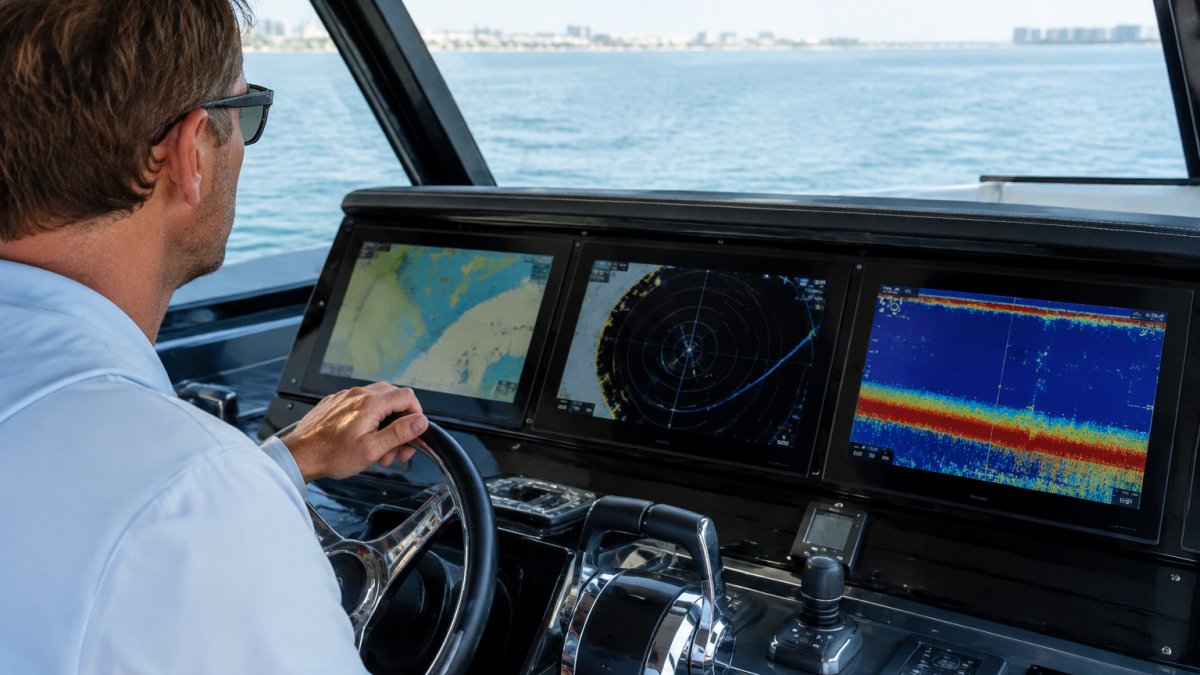
A multifunction display is a single screen that combines chartplotting, sonar, radar, and instrument data, and it only earns its price when the integration actually works. Chartplotters are increasingly paired with transducers that support ClearVü scanning sonar for detailed underwater imaging, per Garmin's sonar technology overview. That matters if you fish structure rather than just transit.
Sonar comes in flavors: traditional single-frequency depth sounding, CHIRP for target separation, and side or down scanning for structure. Match the transducer to your hull and fishing style, because the display cannot outperform its transducer. Because sonar performance depends on matching the transducer to the hull and intended use, the same considerations matter when selecting fish finders for a boat.
Radar integration is where yacht buyers separate from casual boaters. Overlaying radar on the chart, with autopilot integration and NMEA 2000 networking, turns a display into a true navigation system. Confirm the unit supports your existing network before you commit.
Picking the Best Marine GPS Chartplotter for Your Boat Type
The best marine GPS chartplotter is the one sized and specified for your vessel and the water you actually run, not the largest screen your budget allows.
For a center console, prioritize sunlight readability, a 10- to 12-inch screen, and network ports for radar and autopilot. For a bay boat or skiff, a 9-inch unit with solid sonar often beats a bigger screen with weak integration. For a cruising yacht, redundancy and chart coverage outrank raw pixels.
Use this decision framework:
| Priority | Small boat under 20 ft | Bay boat or skiff | Center console yacht |
|---|---|---|---|
| Screen size | 7 inch | 9 inch | 10-12 inch |
| Must-have | Depth and GPS | CHIRP sonar | Radar and autopilot integration |
| Chart focus | Local coastal | Regional coastal | Offshore and Bahamas |
| Budget priority | Combo unit value | Sonar quality | Redundancy and networking |
Garmin Chartplotter Comparison Chart: Which Model Fits Your Helm
A Garmin chartplotter comparison chart helps most when it maps model families to helm sizes rather than listing every specification. Garmin's lineup spans compact combo units for small boats through large networked displays for center consoles, and the right pick depends on screen size, sonar built in, and network capability.
Reach out now to see how we can help with your boating needs! →
The practical approach: decide your screen size first, then confirm the model supports the sonar and radar you plan to add. Entry combo units bundle GPS and depth finding in one box, which suits smaller boats. Larger displays add processing power, multiple network ports, and better sunlight performance for offshore work.
What most comparison charts miss is the transducer question. Two models with identical screens can differ sharply once you factor in which sonar module and transducer they support. Price that complete package, not the head unit alone.
Simrad Chartplotter Radar Combo and Raymarine Chartplotter Options
A Simrad chartplotter radar combo appeals to owners who want radar and charting designed to work as one system from the start.
Raymarine chartplotter options tend to attract owners already invested in that ecosystem, where autopilot and instruments share a common network.
A practical approach is to pick the ecosystem your boat already speaks. If your autopilot and instruments run on one manufacturer's network, staying inside it usually saves installation headaches and money. Switching brands to gain a marginally better screen rarely pays off.
Redundancy, Total Cost of Ownership, and Upgrade Planning
On a yacht, the head unit is often only one line item in the navigation budget. Build the full number before you compare models, because the display is often only one part of the total system cost.
The total cost of ownership breaks down into predictable buckets:
- Display and processing: the head unit itself, plus any black-box processor or sonar module the system requires.
- Transducer and sonar: the transducer, fairing block, and labor to install it through the hull.
- Radar: the radome or open array, its cable run, and the mount.
- Networking: NMEA 2000 backbone, cabling, connectors, and any gateway hardware to bring older instruments onto the network.
- Installation labor: runs longer on older yachts where cable paths are tight and dash panels must be modified.
- Charts and subscriptions: initial chart purchase plus annual update or subscription costs over the life of the boat.
- Contingency: a realistic allowance for the install surprises older yachts reliably produce.
A common pattern is that networking and installation together exceed the display price. Price the complete package, not the head unit, and get the labor quote before you choose the model.
Redundancy is the gap most buying guides skip, and it is where yacht buyers separate from casual boaters. Design the system so no single failure leaves you navigating blind:
- Independent position source: a second GPS receiver, or a tablet or handheld running its own GPS, that does not depend on the primary display.
- Independent power: the navigation system on its own breaker, and a backup battery or handheld with its own power.
- Paper or offline backup charts: current paper charts for your cruising area, or a tablet with charts downloaded for offline use.
- A written failure procedure: know which breaker to check, which backup to switch to, and how to navigate to the nearest safe harbor without the primary screen.
Watch out: a yacht running one screen with no independent position source is one fuse away from navigating blind, so test the backup while the primary is still working.
Upgrade planning ties cost and redundancy together. Choose a unit with spare network ports, current software support, and a manufacturer that has committed to the platform, so the next addition, radar, a second station, or a new transducer, does not force a full replacement. A useful test: ask the dealer to map your intended three-year additions onto the unit's ports and software roadmap. If the answer requires replacing the display, the system is already obsolete. If you are weighing a broader refresh, our overview of upgrading yacht navigation systems covers the benefits and trade-offs.
Planning Your Electronics Package With Primo Yachts
Since 2009, Primo Yachts has guided South Florida buyers through center console acquisitions, and we treat the helm layout as part of the purchase conversation, not an afterthought. If you're new to the process, our first-time yacht buyer tips for South Florida cover the broader groundwork.
Frequently Asked Questions
What screen size chartplotter do I need for my yacht?
Match the display to your helm space and how you use the boat. Screen size should be matched to the helm space available and how you use the boat, with smaller displays suiting tight dashes and larger ones suiting bigger helms. On a yacht, measure the mounting area before buying: a larger screen adds pixels and sunlight visibility, but it is limited by physical space and budget. Sit at the helm and check viewing angle and reach before committing.
Do I need a chartplotter with radar and fishfinder features?
It depends on how you run the boat. A chartplotter with integrated radar or a compatible sonar transducer adds situational awareness in fog, at night, and over structure, which matters for offshore fishing and coastal cruising. If you mostly run short daylight trips in clear weather, a standalone marine GPS chartplotter with good charts may be enough. Plan the network now: NMEA 2000 and Ethernet ports decide whether radar, autopilot, and sonar can be added later without replacing the display.
How do I check whether a chartplotter is compatible with my boat's electronics?
List what is already on board: autopilot, radar, depth sounder, engine gateway, and instruments. Then confirm the chartplotter supports the same protocols, usually NMEA 2000 for instruments and Ethernet for radar and sonar. Check the manufacturer's compatibility list for your autopilot and radar model, and confirm the unit has enough ports for current devices plus one or two planned additions. A Garmin chartplotter comparison chart or a dealer's integration guide will show which models share the same network.
Which chartplotter is better, Garmin or Simrad?
Neither wins outright; the right pick depends on your helm and fishing style. Each brand has strengths in chart detail, integrated sonar, and radar and autopilot integration, so compare them against your needs. Compare screen brightness, processor speed, chart coverage for your region, and how each brand handles the transducers and radar you plan to run. Test both interfaces at the helm before buying, since touchscreen versus physical controls changes how usable the unit is in rough water.
The challenge is simple: most owners buy the screen first and the system second, then spend years working around the mismatch. We'd rather you plan the package around the boat and the water. Primo Yachts brings specialized center console expertise, a discreet brokerage process, and a South Florida focus built over years of transactions. Get started with Primo Yachts and build an electronics package that fits your yacht the first time.