 How-to
Optimizing Yacht Listing Images for Mobile Buyers
Quick Summary
Optimize yacht listing images for mobile buyers by making the lead photo a clean, well-lit bow quarter view, exporting at 1600 to 2048 pixels on the long edge as JPEG, and keeping each file around 150 to 300 KB so the gallery loads fast on cellular data. Keep the boat centered with margin so crops do not clip the hull.
- Make the lead photo your best image, since it often decides whether buyers keep scrolling.
- Export gallery images at 1600 to 2048 pixels on the long edge.
- Save JPEGs at 70 to 80 percent quality to avoid banding in gel coat gradients.
- Aim for roughly 150 to 300 KB per image so a 20-photo gallery stays near 6 MB.
- Test the listing on a phone using cellular data before publishing.
Table of Contents
- Why Mobile Buyers Judge a Yacht Listing in Seconds
- Preparing the Yacht and Shooting Photos That Work on a Phone
- Choosing the Right Image Size, Aspect Ratio and File Format
- Editing Yacht Photos Without Misrepresenting the Boat
- Sequencing Your Yacht Photos for Small Screens
- Keeping Image Load Times Fast and Adding Accessible Descriptions
- Testing Your Mobile Listing Before You Publish
- Getting Your Yacht in Front of Serious Buyers with Primo Yachts
- Frequently Asked Questions
Why Mobile Buyers Judge a Yacht Listing in Seconds
Last Updated: November 13, 2026
Most buyers decide whether a yacht listing is worth a second look in a few seconds, and they do it on a phone. Buyers often scroll through listings between meetings, on a dock, or from a boat ride. Your yacht listing images for mobile buyers are often the only thing they see before they move on.
That is why the first photo matters most. A clear, well-lit lead image of the boat, shot from a flattering angle, earns the next tap. A dark, cluttered, or tiny-looking photo sends the buyer to the next listing.
Mobile buyers also research in stages. They shortlist models, watch videos, and compare options before they ever call a broker. YachtBuyer's 2026 guidance on digital research and comparison tools describes independent research, expert reviews, and video as a major part of that process.
Here is what this means for your listing:
- The lead photo does the selling. Make it the best image you have.
- Each photo should show one clear thing. Small screens reward simple frames.
- Every image should load fast. Slow photos lose buyers before they see the boat.
Preparing the Yacht and Shooting Photos That Work on a Phone
Good phone photos start before you press the shutter. Clean the deck, wipe the windshield and hardware, and clear personal items out of frame. Visual distractions, like loose lines, cluttered cockpits, or a dirty hull, are hard to see on a big screen and impossible to ignore on a small one.
Shoot in soft, even light. Early morning and late afternoon usually give the cleanest results. Harsh midday sun creates deep shadows under the T-top and washes out the hull color.
Use these angles as a starting point:
- Bow quarter view for the lead image, showing the hull shape and profile
- Stern view to show the engines, swim platform, and transom
- Eye-level shots from the cockpit to show how the space feels
- Interior shots that show layout, seating, and galley
A common mistake is shooting too close. Step back so the whole boat fits in the frame, then add detail shots after.
Hold your phone level and steady. Tap to set focus on the hull, not the sky, and keep the horizon straight. Use the grid lines on your camera app to check framing. If your phone offers a wide lens, use it for exteriors, but avoid digital zoom, which blurs detail.
Choosing the Right Image Size, Aspect Ratio and File Format
Mobile optimization starts at export, not at upload. The shape and weight of each file determine whether a buyer sees the whole boat or a cropped bow, and whether the gallery loads before they scroll away.
Aspect ratio. Most listing platforms and social previews display a horizontal frame, commonly 4:3 or 3:2. Shoot at 4:3 if your phone defaults to it, then crop to 3:2 only if the platform's gallery favors that shape. Keep the boat centered with breathing room on all four sides.
Pixel dimensions. Export at 1600 to 2048 pixels on the long edge for full-screen gallery images. That range looks sharp on current phones without carrying the weight of a 12-megapixel camera file. Lead images can go to the top of that range; detail shots can sit at the lower end. Avoid upscaling smaller files, which softens edges.
File format. JPEG remains the safest default because every listing platform and mobile browser renders it correctly. Use quality settings around 70-80% in your editor; below that, gel coat gradients and teak grain start to band. PNG is acceptable for graphics or text overlays but produces much larger files for photographs.
Cropping for mobile layouts. Listing galleries often show a square or vertical thumbnail before the full image. Check how your lead photo looks when cropped to a square: the boat should still read as a boat, not a slice of hull.
File size targets. Aim for roughly 150-300 KB per gallery image after compression. A 20-photo gallery at that weight stays under about 6 MB total, which is manageable on a cellular connection. Full-resolution camera files at 5-10 MB each will stall a mobile gallery.
Watch out: platform limits on dimensions, file size, and photo count change without notice, so verify the current upload spec before you batch-export a whole gallery.
The file settings below are the ones the article recommends for mobile galleries.
| Setting | Recommended value | Note |
|---|---|---|
| Aspect ratio | 4:3 or 3:2 | Platform gallery shape; keep boat centered |
| Margin around hull | Roughly 5-10% of frame | Prevents clipping on vertical or square crops |
| Long-edge pixels | 1600-2048 px | Sharp on phones without huge files |
| File format | JPEG | Safest default for listing platforms |
| JPEG quality | 70-80% | Below this, gel coat gradients band |
| File size per image | 150-300 KB | Keeps a 20-photo gallery near 6 MB |
Editing Yacht Photos Without Misrepresenting the Boat
Editing can help a photo look its best, but it must still show the boat as it really is. Adjust exposure, white balance, and clarity so the image matches what a buyer will see in person. Crop to improve framing. Straighten the horizon.
Do not remove or add major features, change the hull color, hide damage, or make water look bluer than it is. Buyers who see a heavily edited photo and then find a different boat at the dock will lose trust fast. Keeping each image honest also helps the mobile page feel consistent with the boat buyers find at the dock, while Seomavericks connects that trust to the first impression that can keep visitors from leaving.
AI photo tools are becoming common in this market. Marine Retailers Association of the Americas reporting on Boatyard's photo-enhancement tool describes tools that improve lighting and clarity and remove visual distractions. Use enhancement tools for lighting and cleanup, not for changing what the boat looks like. The search results do not provide measured results for these tools, so test before you rely on them.
Sequencing Your Yacht Photos for Small Screens
The order of your photos shapes the buyer's experience. Start with the lead image, then move to the exterior profile, the stern, the cockpit, the helm, the cabin, and finally the details that set the boat apart.
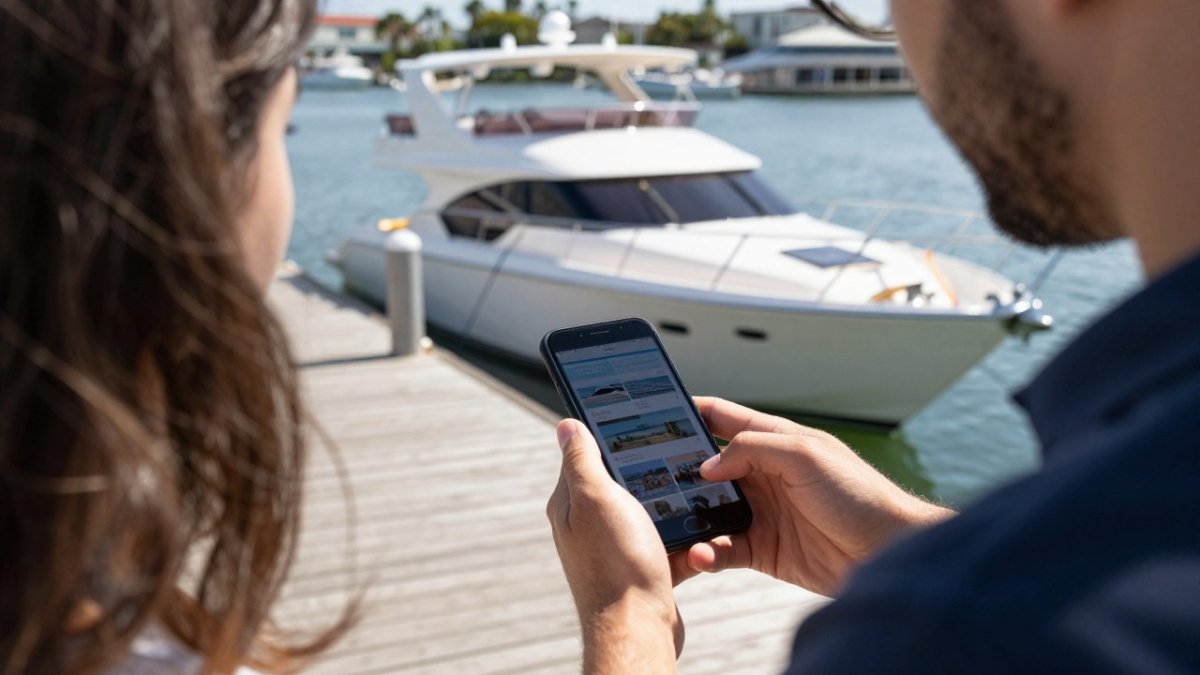
Think of the gallery as a short tour. Each photo should answer the question the last one raised. A buyer who sees the cockpit next will want to see the helm after it.
A simple sequence for a center console might look like this:
- Bow quarter lead image
- Side profile
- Stern and engines
- Cockpit from the helm
- Seating and fishing features
- Console and electronics
- Details like rod holders, livewell, or cleaning station
Keep the number of photos focused. Quality beats quantity on a phone, and a tight, well-ordered gallery is easier to scroll than a long, repetitive one.
Keeping Image Load Times Fast and Adding Accessible Descriptions
Speed and description are the two parts of a mobile listing that buyers never see but always feel. A gallery that loads slowly loses the buyer before the first photo appears; a gallery with poor descriptions loses screen-reader users and search context.
Compression. Run every image through a compressor before upload. Most editors and dedicated tools offer a quality slider; 70-80% is usually the point where file size drops sharply without visible artifacts on a phone screen. Strip metadata you do not need, such as location tags, unless the platform requires them.
Responsive delivery. Many listing platforms generate multiple sizes of each image and serve the one that fits the device. You cannot control that pipeline directly, but you can help it by uploading images at a sensible maximum size rather than enormous originals.
Loading behavior. Lazy-loading below-the-fold gallery images lets the lead photo appear first. If your platform supports it, confirm that the first two or three images load eagerly so the buyer sees the boat immediately, and that later images load as they scroll.
Alt text that helps. Write one plain sentence per image describing what is visible: "White center console with twin outboard engines at a dock, bow quarter view." Include the boat type, the view, and one distinguishing feature. Skip keyword lists and repeated phrases.
Captions that add information. Where the platform allows captions, use them to explain what the photo cannot show on its own: engine hours, hull year, recent refit, or seating capacity. A caption like "Helm with twin 12-inch displays and joystick control" tells a buyer more than the image alone.
A quick performance check. Before publishing, load the gallery on a phone using cellular data, not Wi-Fi. Time how long the lead image takes to appear and whether scrolling stalls.
Watch out: aggressive compression can make gel coat look blotchy and teak grain mushy, so compare the compressed file against the original on a phone screen before uploading the whole gallery.
Testing Your Mobile Listing Before You Publish
Before you publish, open your listing on a phone you do not normally use. Check the lead image, scroll the full gallery, and zoom into details. Confirm that the photos load quickly on a cellular connection and that the first image shows the whole boat.
Look for these problems:
- Cropped bows, sterns, or T-tops
- Dark or blurry photos
- Photos that look the same
- Slow-loading images
Test again after any change. Track listing traffic and inquiries, and compare results over time. Measure what happens, then adjust.
Getting Your Yacht in Front of Serious Buyers with Primo Yachts
Strong photos get attention, but serious buyers also want to know the boat is real, well kept, and ready to see. Primo Yachts is a specialist brokerage dedicated to the center console market, serving the South Florida market since 2009.
If you are preparing to list, start by reviewing our guide on new yacht ownership and buyer considerations. You can also read our guide to choosing a yacht flag state if your transaction involves international buyers or registration questions.
Reach out now to see how we can help with your boating needs!
Frequently Asked Questions
How should yacht listing photos be optimized for mobile screens?
Start with a strong lead image shot at eye level or a bow quarter angle, since most mobile buyers see only the first photo before deciding whether to keep scrolling. Use a landscape or 4:3 frame so the boat fills the screen without awkward cropping, keep the main subject centered with clear space around the hull, and avoid tiny details that disappear at phone size. Test every photo on an actual phone before publishing.
What image size and aspect ratio work best for yacht listings?
Export images in a landscape aspect ratio such as 4:3 or 3:2, which displays well on both phones and desktops, and keep the long edge around 2000 pixels for sharp display without excessive file weight. Compress files as JPEG or WebP to keep page speed fast on cellular connections. Check that the lead image still looks balanced after the platform crops it into a thumbnail.
How many photos should a yacht listing include?
A complete listing typically needs enough images to show the exterior from several angles, the deck and helm layout, the cabin or interior spaces, and the engines or key equipment. Mobile buyers scroll quickly, so each photo should answer a specific question rather than repeat the previous shot. Quality and sequence matter more than total count, so cut near-duplicate angles that do not add information.
Should yacht listing photos be edited before uploading?
Light correction for exposure, white balance and straightening is reasonable, and it helps the boat look as it does in person. Removing clutter such as loose lines or personal items is normal staging, but the image should still reflect the vessel's real condition. Avoid heavy retouching or altering the sky, water or hull finish, because buyers who inspect the boat in person will notice the difference, and that damages trust.